Urable Alternatives for Mobile Detailers: Test a Hard Job, Check Costs
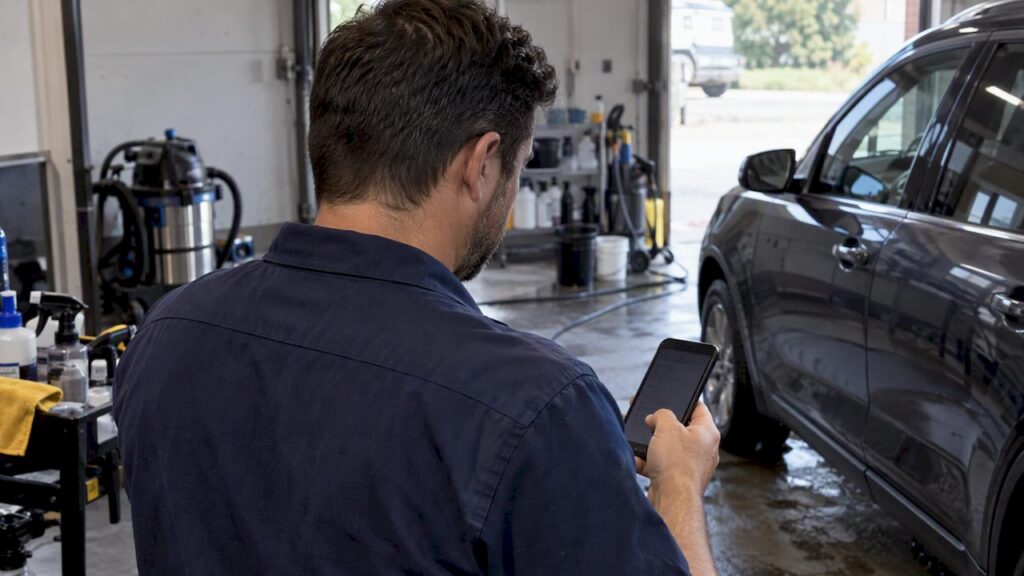
If you are weighing Urable alternatives, trial a lower-cost quoting app if cost is the issue, an estimating-first platform for VIN and condition documentation, a general field-service CRM for routing and dispatch, an Apple-first app for iPhone crews, or an automation-focused platform for follow-up. A comparison table and a how-to-choose checklist follow so you can match your bottleneck to the right trial.
Table of Contents
- How do the alternative categories compare for mobile detailers?
- How do you choose an Urable alternative without being misled by headline prices?
- When does a lower-cost quoting app make sense?
- Which platforms are best for vehicle estimating and documentation?
- Which general field-service CRM suits detailers with dispatch problems?
- Is an Apple-first app worth it for iPhone and iPad crews?
- Which automation features actually save admin time?
- Why might a detailer switch from Urable?
- How do customer support and service quality compare?
- What security and data privacy features should you check?
- How much can you customize branding in client communications?
- Do you need better software, or more local customers?
- FAQ
- Sources
How do the alternative categories compare for mobile detailers?
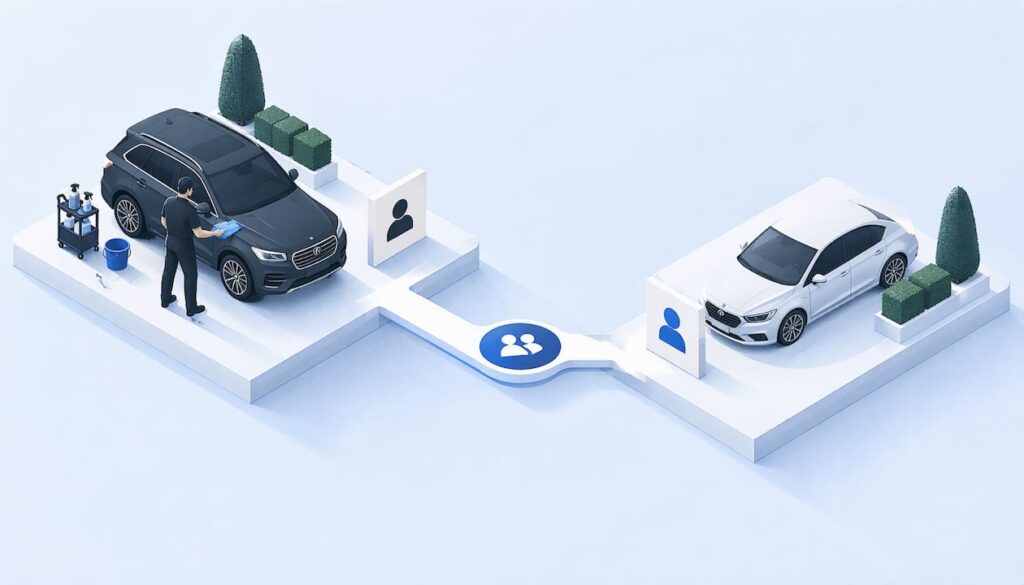
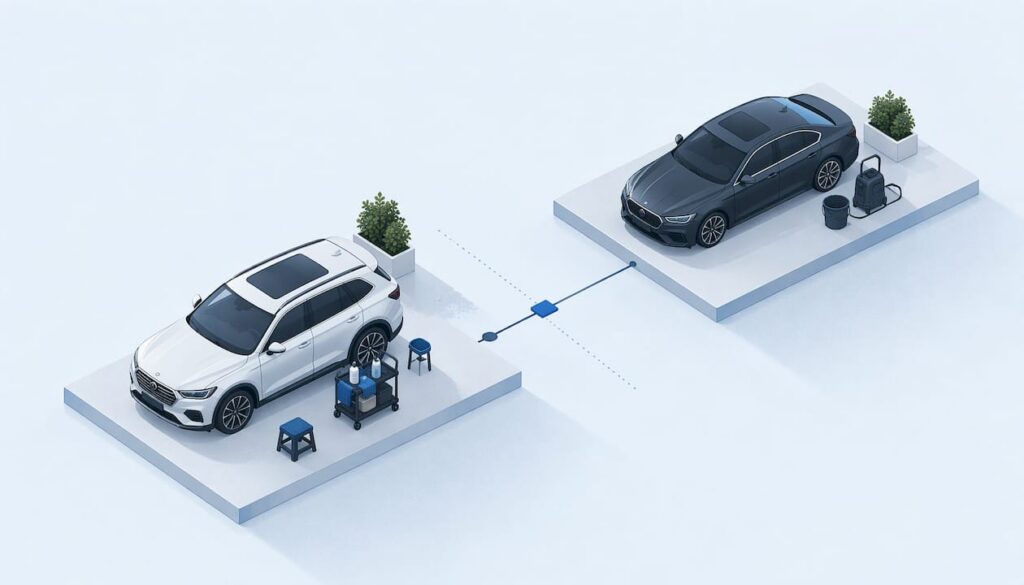
The right pick depends on where your day actually breaks down, so compare categories, not logos. Pricing is the axis most owners misread: models differ on administrator seats, extra users, and job volume, so a cheap entry tier can cost more than a pricier plan once you add your real staff.
Feature gates are the caveat to carry into every trial. Self-booking, routing, automation, extra users, and job volume often sit on different plans or add-ons, so the cheapest tier rarely covers the workflow you need.
The tools we see named most often in these categories are QuoteIQ, Mobile Tech RX, Jobber, ServiceM8, OrbisX, and DetailPilot. Each lands in a different row above, and a few of them blend two.
How do you choose an Urable alternative without being misled by headline prices?
Fit beats feature count. A longer feature list can add admin work if it does not match how your shop runs, so build your trial around your own jobs.
- Model total cost. Count administrators, additional users, monthly job volume, and add-ons, not just the advertised price.
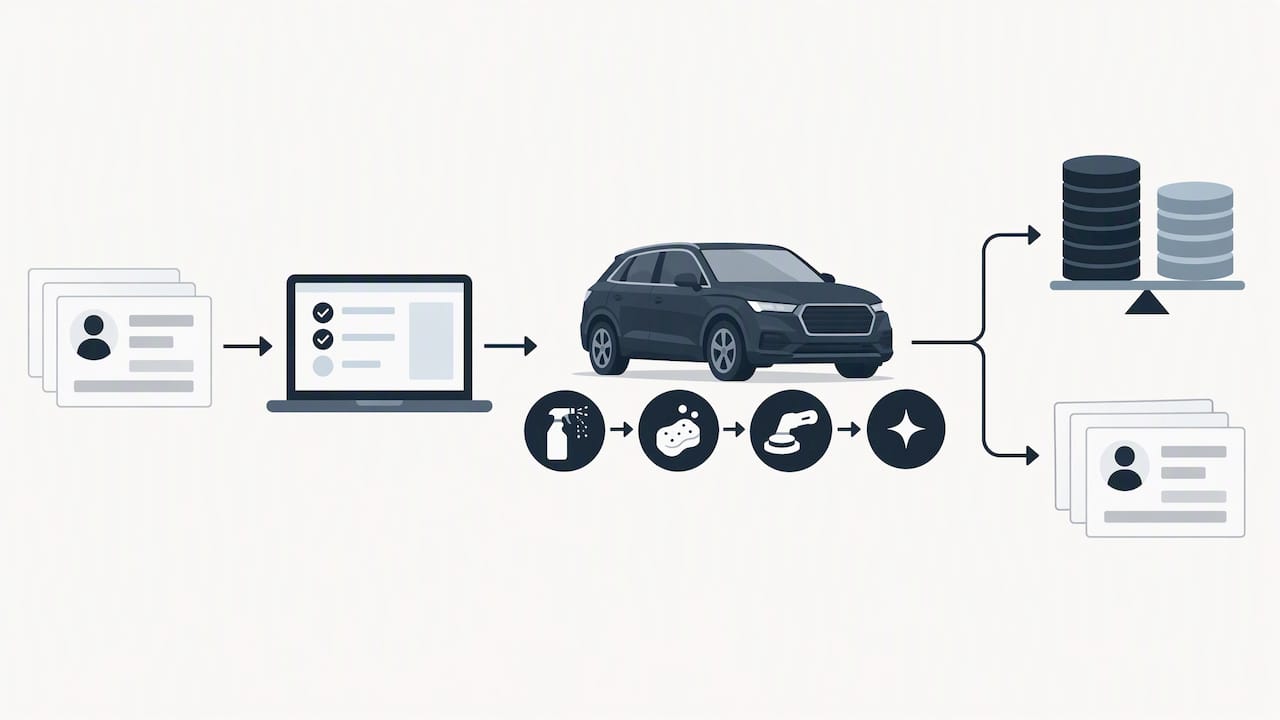
- Test your hardest normal job. Run an estimate with photos, a mid-job revision, a deposit, and two technicians through the app without duplicate entry.
- Confirm feature gates. Check which plan includes online booking, routing, automation, and forms before you commit.
- Check import and export. Ask what happens to your customer list and history during a trial, and whether you can take your data with you.
- Count the people who touch a job. Anyone who quotes, schedules, inspects, or invoices may need a seat.
Pro Tip: Do not compare headline monthly prices alone. Team structure can reverse the result, because some products charge per administrator plus extra users while others include unlimited users.
When does a lower-cost quoting app make sense?
If you work mostly alone and quote a handful of jobs a week, an entry-level quoting app is often the practical move. QuoteIQ is the kind of tool detailers commonly reach for in that role: quick estimates, simple quoting, a low headline subscription. The trade-off is that low-priced plans can carry user limits, job caps, or gated features, and those limits show up only after you are using the product daily.
Before you subscribe, verify these on the pricing page:
- Job credits or monthly job limits
- User caps and the price of each additional seat
- Add-ons for payments, reminders, or booking
- Which features sit on higher plans
ServiceM8’s published pricing shows why the math matters: its free plan is limited to one user and 30 jobs per month, while paid plans allow unlimited users and tiered job volumes. For a solo operator, monthly job count can matter as much as subscription price. Run a normal month of real jobs through the trial and see where you would land on the pricing ladder.
Which platforms are best for vehicle estimating and documentation?
Estimating-first platforms are built around the vehicle, not the appointment. Mobile Tech RX is positioned this way: structured vehicle records, photo documentation, line-item estimates, and revisions. If your customers expect a written condition record, or you handle higher-value work where scope changes mid-job, this category earns its keep.
Vehicle identification and condition documentation are operational requirements here, not nice-to-haves. A quote should hold up against a real vehicle record, photos, prior damage notes, line items, and revisions.
- Look for VIN-based vehicle records and condition capture
- Check photo attachment and how photos flow into the estimate
- Confirm you can revise a line-item estimate after approval
- Model pricing against your actual headcount, since some tools charge for an administrator plus additional users
Pro Tip: Build one full, complicated estimate during the trial, including photos and a mid-job change, to confirm the vehicle-record workflow matches how you really quote.
For documentation habits that carry across any tool, Diamondbrite’s guide to panel-by-panel coating technique is a useful reference on working in sections, which pairs naturally with photographing each panel before and after.
Which general field-service CRM suits detailers with dispatch problems?
If your bottleneck is getting crews to the right driveway in the right order, a general field-service CRM often beats an estimating-first tool. Jobber is the clearest example in this group. Its auto-detailing positioning describes customers requesting service through an online booking form, and teams creating jobs, assigning them, and following optimized routes.
Core features to expect in this category:
- Online booking and customer requests
- Scheduling and job assignment
- Routing and dispatch for mobile crews
- Quoting, invoicing, and payments
- Forms, photos, and customer communication
The pitch is less administrative work across the whole job cycle, from quote to invoice. Before switching, check the integrations you rely on, such as accounting software and your payment processor, and test how reliably the mobile app behaves on a weak signal in the field. Estimating depth is usually lighter than in an estimating-first platform, so run your most detailed quote through it before deciding.
Is an Apple-first app worth it for iPhone and iPad crews?
“Apple-first” means a native iOS experience, with offline behavior and device interactions designed around the iPhone and iPad rather than ported over. ServiceM8 fits this profile, pairing a native iOS feel with tiered job-volume plans. It tends to suit solo operators and small teams who already deploy iPhones or iPads as their main field device.
Checks worth making during a trial:
- Offline access: can you open a job, add notes, and take photos with no signal?
- Notification reliability when the app is in the background
- Forms and e-signature support for approvals and waivers
- What happens if a crew member switches to an Android phone later
If everyone on your team already carries an iPhone, the native experience can save daily friction. If your crew is mixed, a cross-platform tool avoids a forced hardware decision.
Which automation features actually save admin time?
The automation that matters is the kind that removes duplicate entry and keeps leads from going cold: automated follow-up, templated messages, and workflow triggers that move a lead to a quote to an invoice without retyping. OrbisX is the type of platform that leads with this automation-first approach.
Features worth confirming:
- Automatic follow-up after a quote goes out
- Reusable templates for confirmations, reminders, and review requests
- Triggers that create the next step when a job is approved
- Which automations are included and which sit behind a higher plan
The practical test is simple: during the trial, run one lead all the way from first inquiry to paid invoice and count how many times you retype the same information. For the human side of this, our guide on following up on detailing leads, not on autopilot covers pacing and tone, which no template can replace.
Why might a detailer switch from Urable?
Owners who move off Urable usually cite several pressures, and naming yours tells you which category to trial first.
Cost. Subscription price is only part of it. If you are paying for capabilities you rarely use, or paying for seats that sit idle, a leaner quoting app may fit better. If your bills creep because of volume or add-ons, model those before assuming a competitor is cheaper.
Estimating. If customers expect itemized, vehicle-specific estimates with photos and revisions, an estimating-first platform may serve you better than a general quote tool.
Field workflows. If your day is lost to routing, rescheduling, and chasing crews, a field-service CRM with dispatch and routing addresses the real bottleneck.
Device fit. If your team lives on iPhones and iPads, a native Apple-first app can feel smoother than a cross-platform one. If your crew uses mixed devices, the reverse may be true.
Automation. If you spend evenings sending reminders and follow-ups by hand, an automation-focused platform can hand that time back.
Whichever applies, resist switching on a feature list alone. A migration costs you setup time, retraining, and a stretch of running two systems, so trial the replacement on your hardest normal job first and confirm you can export your customer data.
How do customer support and service quality compare?
Support is the part of software you only notice when a job is on the line, and published feature pages say little about it. We are not aware of independent, side-by-side support benchmarks for these tools, so treat any claim of “best support” as a vendor statement until you test it yourself.
Run your own check during the trial:
- Send a real question on a weekday and note how long a useful answer takes
- Ask something specific to detailing, such as how to handle a deposit on a multi-vehicle job, and see whether the answer fits your trade
- Look at what channels are offered: chat, email, phone, or a help center only
- Check whether onboarding help or data import assistance is included or sold separately
Larger general platforms tend to publish more help documentation, while smaller tools often compete on direct access to the people who built them. Neither is automatically better. What matters is whether you get a clear answer fast on the day a customer is waiting. Ask current users in detailing groups what happened the last time something broke, because that story is more telling than any support page.
What security and data privacy features should you check?
Your software holds customer names, addresses, phone numbers, vehicle details, photos, and payment information. That makes security a buying criterion, not an afterthought, even for a one-van shop. Published feature pages rarely go deep here, so ask directly instead of assuming.
Questions to put to any vendor before you commit:
- How is customer data protected in transit and in storage?
- Who can see what? Look for role-based permissions so a new technician cannot open pricing, customer lists, or payment settings.
- How are payments handled, and does the vendor use an established payment processor rather than storing card details itself?
- Can you export your data, and can you delete it if you leave?
- How are photos stored, and who can access them?
Role permissions deserve extra attention for growing shops. The person who inspects a vehicle rarely needs access to your invoicing history. Also confirm what happens to your data if you cancel: a clean export path protects you from being locked in. Where a vendor cannot answer these plainly, treat that as information. Ask for the privacy policy and terms in writing, and read the sections on data retention and deletion before you load your customer list into any tool.
How much can you customize branding in client communications?
Customers judge a detailer partly by how professional the quote, reminder, and invoice look. Branding options range from a logo on an invoice to fully templated messages in your voice, and the depth varies by tool and by plan.
What to look for:
- Your logo, colors, and business name on quotes and invoices
- Editable templates for confirmations, reminders, and follow-ups
- A branded online booking page or request form
- Custom fields and forms so the intake questions match your services
- Messages sent from your own name or number rather than a generic address
Check whether the customization you want sits behind a higher plan, since feature gates often apply here. Test by sending yourself a quote and a reminder, then read them as a customer would. If a message looks like it came from the software company, not from your shop, it undercuts the trust you work hard to build in a driveway.
Customers also notice small touches: a clear price breakdown, before-and-after photos attached to the invoice, and a polite follow-up after the job. Pick the tool that lets you put your shop’s tone on all of it without rebuilding templates every week.
Do you need better software, or more local customers?
For some shops the real problem is not the software but the number of inquiries coming in. If your quoting and scheduling already work and the calendar still has gaps, a new app will not fill it. That is where MobileDetailing.io comes in: we connect vehicle owners with local mobile detailing professionals, and we are a lead path, not an operations software replacement.
- Vehicle owners search by location and compare detailers across interior, exterior, and full-service detailing, ceramic coating, and more
- Quote requests can come to your listing
- You can add or claim a business profile, showcase services and photos, and appear in local search
- Listings can sit alongside whatever software you already use for scheduling and invoicing
See how a finished profile reads in a live example such as Premier Mobile Detailing’s listing, then claim or list your own business.
FAQ
Is there a cheaper Urable alternative for a solo detailer?
Yes. Entry-level quoting apps and free tiers exist, but they often cap users or monthly jobs. Check the limits on a pricing page such as ServiceM8’s, where the free plan covers one user and 30 jobs per month.
Which Urable alternative is best for routing and dispatch?
General field-service CRMs are the usual answer, since they combine booking, scheduling, and routing in one place. Jobber’s detailing page describes optimized routes for teams as part of its core workflow. Test the mobile app on a real route before committing.
How should I test an alternative before switching?
Run your hardest normal job through it: an estimate with photos, a mid-job change, a deposit, and two technicians. Note every spot where you retype information. If it handles that cleanly, it will handle an ordinary week.
Can I move my customer list to a new app?
Usually, but check import and export before you start a trial. Ask what formats are supported and whether trial accounts limit imports. Keep your existing system running until the new one has handled real jobs successfully.
Recommended
- Car Owners: Get 2–3 Estimates on Mobiledetailing Instead of Spiffy
- Avoid Overpaying on Mobile Detailing: U.S. Prices $150–$500
- Copyable One Page Mobile Detailing Business Plan and US Startup Costs
MobileDetailing.io provides general educational information. Products, surfaces and vehicle finishes vary. Follow manufacturer instructions and consult a qualified detailing professional before using abrasive processes or chemical treatments.